OnePrompt
A terminal drawn like an ink painting.
Text is written in by hand, ink bleeds into hand-made paper, and deleting a file cuts its name through with a sword. Under the art is a real terminal with tabs, splits, regex find and true colour.
Under the art is a real terminal: tabs, splits, regex find, true colour, IME, mouse and images.
Themes
Three themes, six looks
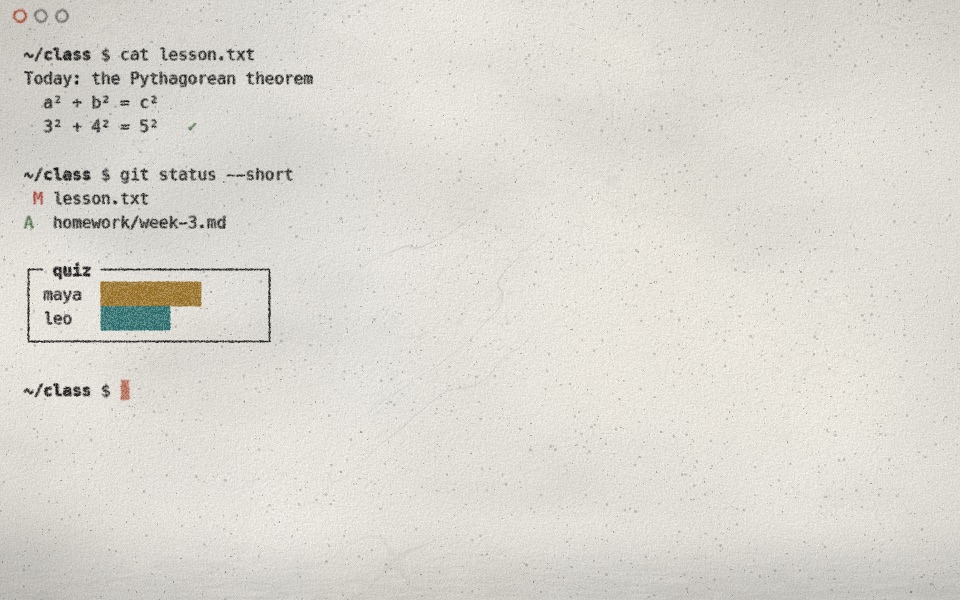
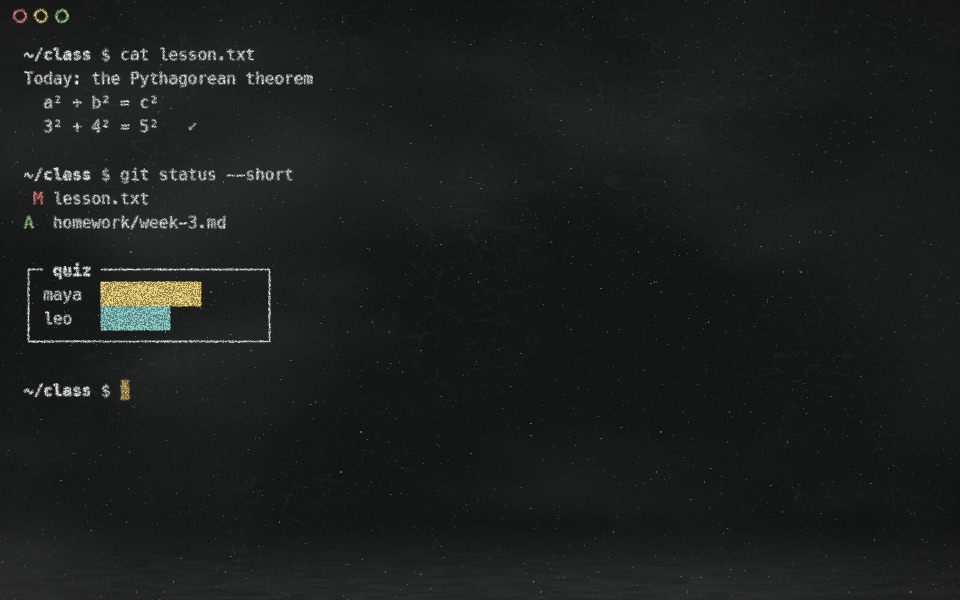
A theme is the whole look: surface texture, how ink behaves on it, palette, font, cursor, and its own animations. Each comes in a light and a dark variant.
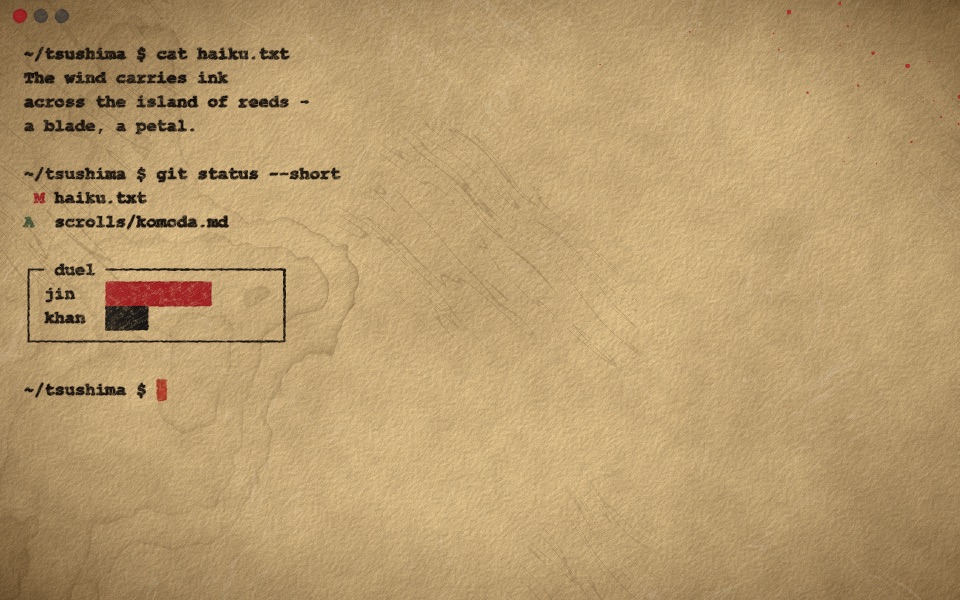
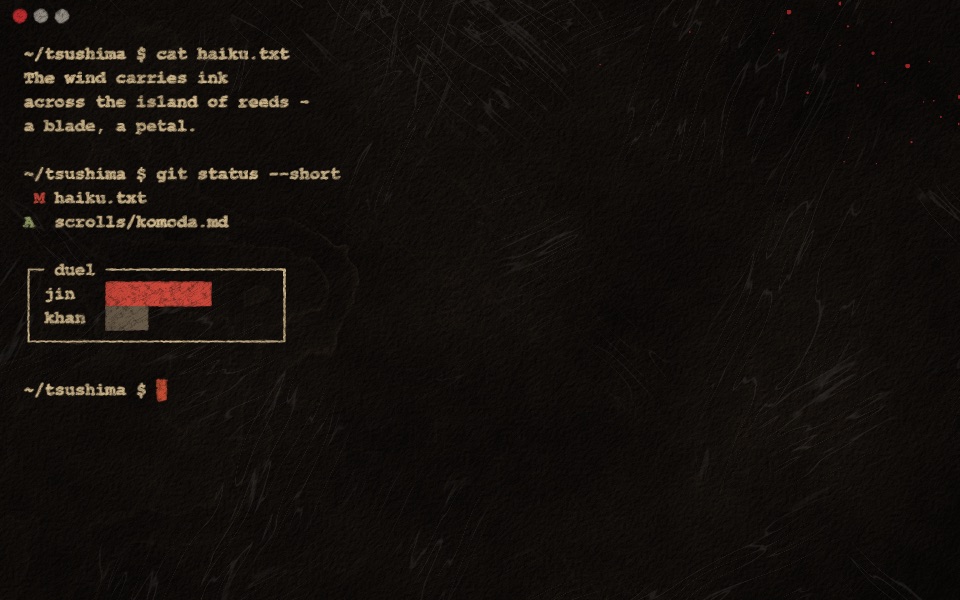
Tsushima
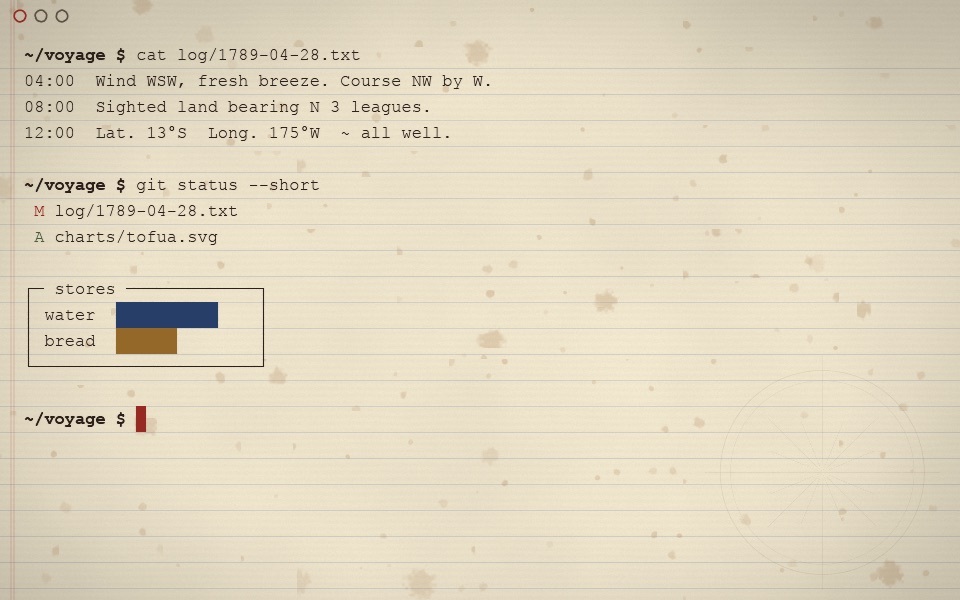
Sumi on washi, after the ink-painting cutscenes of Ghost of Tsushima and Ghost of Yotei.
- Golden parchment browning towards the edges, with water-stain tide lines and a flick of crimson splatter.
- Bold sumi swept with a slanted brush nib: thick-and-thin strokes, dry-brush streaks, ink that bleeds along the fibres.
- The cursor is a dab of cinnabar seal ink, different in every cell.
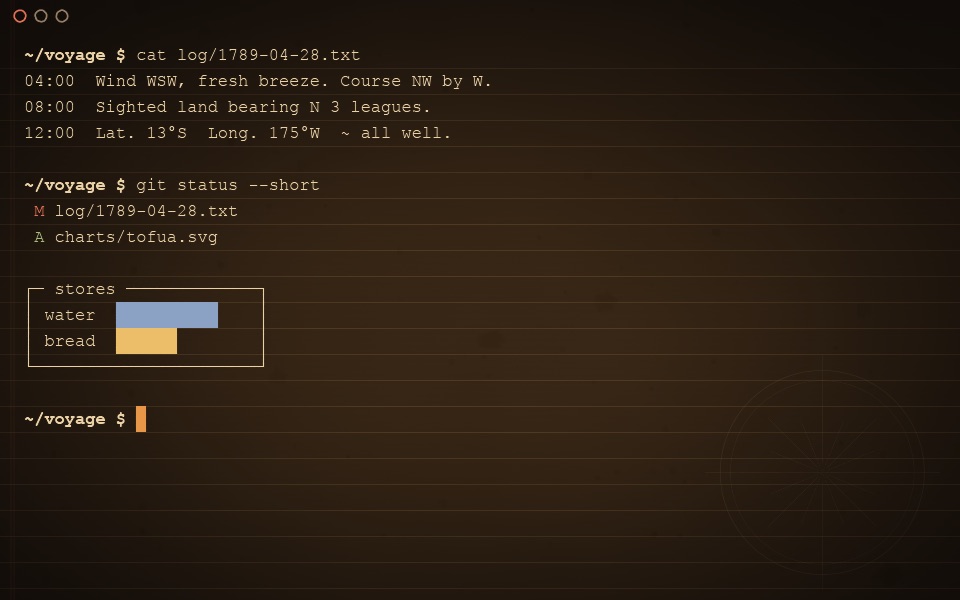
- Dark variant: the cutscenes inverted, parchment drawn through a field of ink.
Deleting
Strikes what you delete
Run rm and every mention of that file on screen is cut through: in ls output, in the command that deleted it, anywhere. Tsushima cuts it with a sword that flings blood, which splats and dries to a faint stain. Chalkboard draws a quick chalk line.
Clearing
Crumbles what you clear
Cmd+K, or clear in the shell: the writing smoulders from the right, breaks into glowing specks and is blown away. Logbook sets the old page alight, and the Chalkboard crumbles into dust. Only the pane you cleared changes.
Switching
A sword fight between themes
Switching to Tsushima plays one to five quick slashes: a sweep, a cross, a claw, a zigzag or a flurry. The new look runs out of every cut like watercolour on damp paper, fingering and blooming into the grain. No two are alike.
Themes
A live theme picker
Cmd+Option+T opens a card per theme, each showing your current screen as that theme draws it, live. Arrow keys to choose, return to switch with the theme’s own transition. Cmd+Shift+L flips light and dark.
Settings
Tune every effect
Cmd+, opens a settings panel that stays in sync with a plain settings file. Every animation can be switched off or scaled: writing speed, bleed, drying time, dust, sounds and more.
Details
Everything it does
Keys
Keys you will want
Install
Get OnePrompt
Or grab the dmg from Releases. Signed and notarized. It is an alpha, so expect rough edges.