OneCast
One keystroke for everything on your Mac.
A native launcher, AI cockpit, custom docks with live widgets, a plain-English scheduler and a Swift plugin runtime. Built with SwiftUI and AppKit, zero third-party dependencies, no Electron, no telemetry.
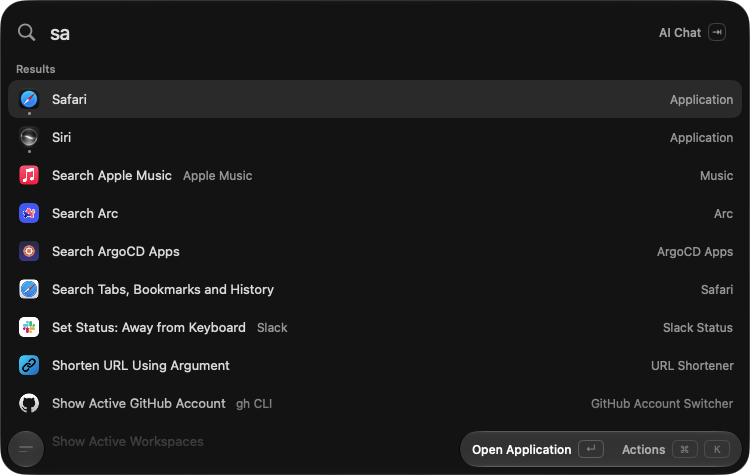
Built with SwiftUI and AppKit. Zero third-party dependencies, no Electron, no telemetry, under 100 MB of RAM.
Launcher
Type. Press return. Done.
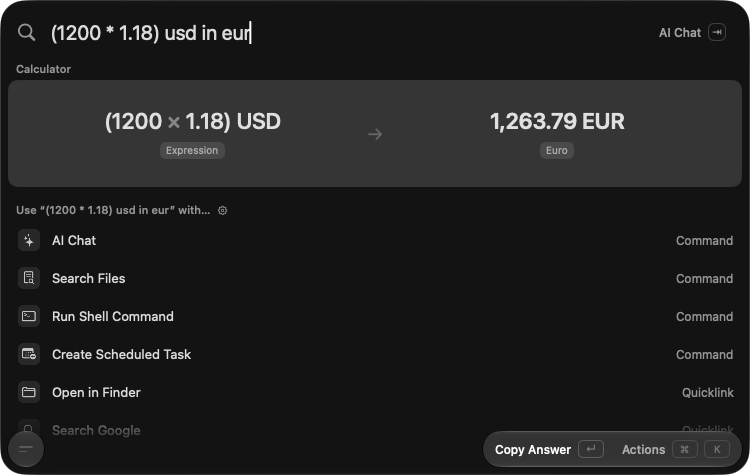
One shortcut summons OneCast from anywhere. Fuzzy-search apps, commands, files and quicklinks, do maths and unit and currency conversions inline, or just say what you want in plain words.
- Tab jumps to AI Chat, ⌘K opens actions for the selected row, Esc closes.
- Runs the Raycast extensions you already use, natively.
- Global and per-app hotkeys, double-tapped modifiers and a Hyper key.
Docks
Docks, as many as you want
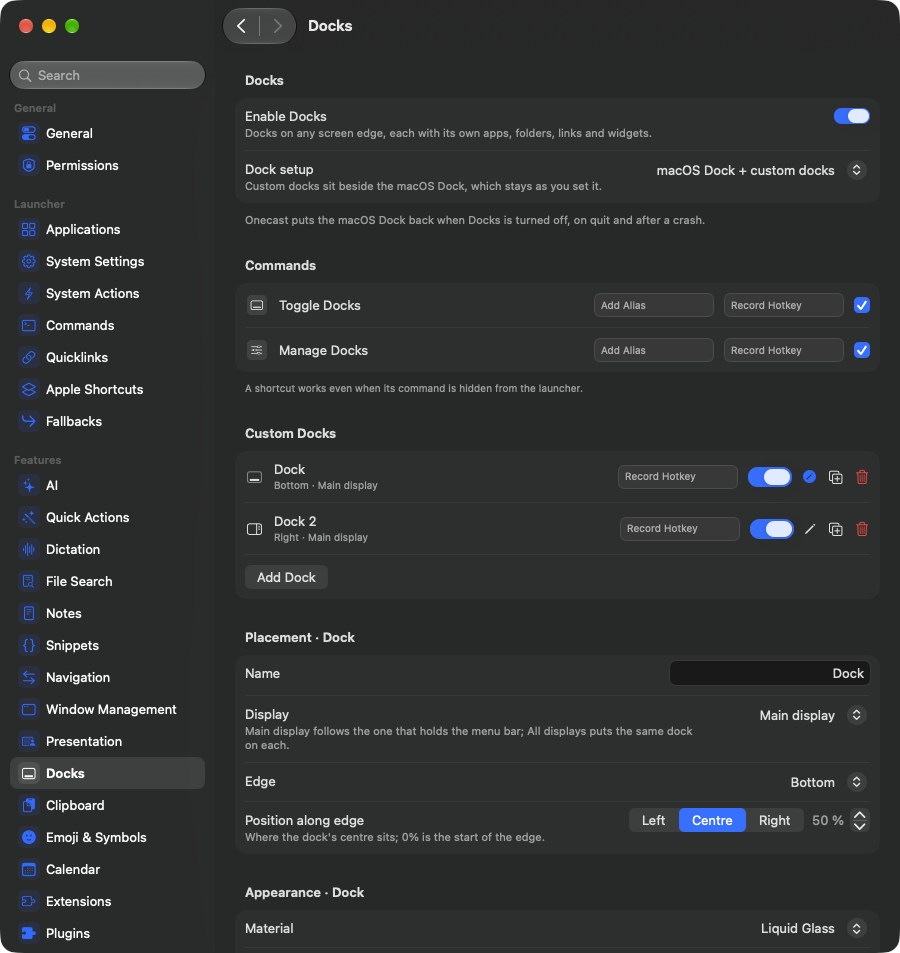
OneCast draws its own docks on any edge of any display, several at once: a bottom dock for apps, a side rail of widgets, one per monitor. Keep the macOS Dock next to them, or let OneCast take over and hide it. Your settings are restored when you switch back.
- Liquid Glass plates with real magnification, auto-hide, drag and drop, and a lens that grows from the centre like the system Dock.
- Apps, folders, files, links, Shortcuts, spacers and the Trash, plus running apps and minimized windows with live previews and unread badges.
- Swipe or ⌘-scroll a dock through its layouts. A setup switches every dock at once from a hotkey, a onecast:// link or a Focus filter: work, home and presenting each get their own Mac.
DockWidgets
Live tiles, right in the dock
21 widgets ship built in, and anyone can write more in Swift against OnecastPluginKit. Click the ones below. These are real captures from the app.
- Time
- Clock · World Clock · Focus Timer · Stopwatch · Countdown · Alarm · Time Progress
- Productivity
- Calendar · Reminders · Sticky Note · Shortcut · AirDrop · Presentation
- System
- Now Playing · Battery · System Activity · Network Activity
- Personal
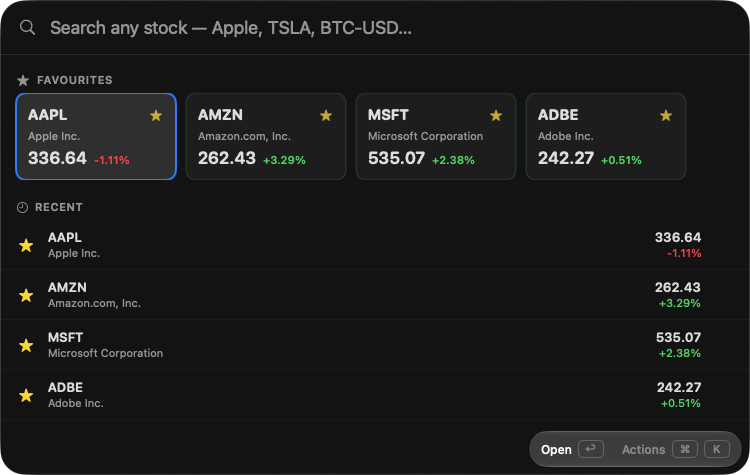
- Hydration · Weather · AI Usage (Claude Code, Codex, Copilot limits) · Stock · Watchlist

Scheduler
A scheduler that speaks English
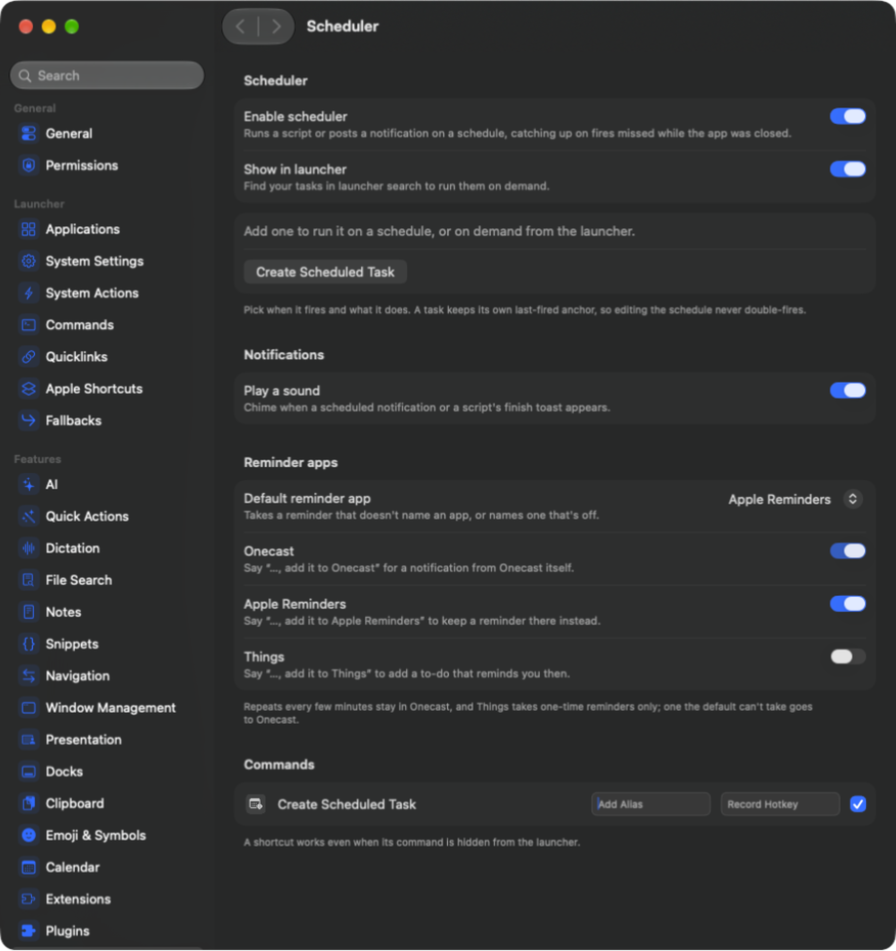
Type "remind me to stretch every weekday at 4pm" into the launcher and press return. That is the whole interface.
- An on-device parser reads "in 20 minutes", "tomorrow at 9" and "every Monday". An AI fallback handles everything else.
- Pick where reminders live: OneCast notifications, Apple Reminders or Things. Say "…and add it to Things" to send one somewhere specific.
- Scheduled scripts run shell commands on a rule, and catch up on fires missed while the app was closed.
- Your AI assistants can schedule things for you too, with on-device tool calling.
Notifications
Notifications in colour
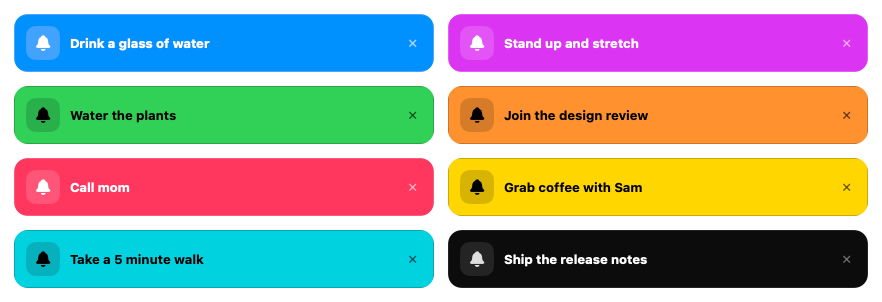
OneCast draws its own notification cards instead of macOS banners, and you colour each one in the same sentence: "…make it green", "a purple reminder", "colour: teal". Nine colours, and each card picks white or black text automatically so it stays readable in light and dark mode.
Plugins
Native Swift plugins
When the JavaScript extension API is not enough, write a compiled SwiftUI plugin. OneCast builds it and loads it straight into the palette with full native rendering, real views and real speed.
- Pin a plugin’s inner view to the launcher as a deep link, or pop it out into its own borderless, resizable window.
- The same kit powers DockWidgets, so one Swift package can ship both.
- Plugins and third-party widgets run only after your explicit consent.
- Runs the Raycast extensions you already use, natively, in JavaScriptCore.
AI
AI, front and centre
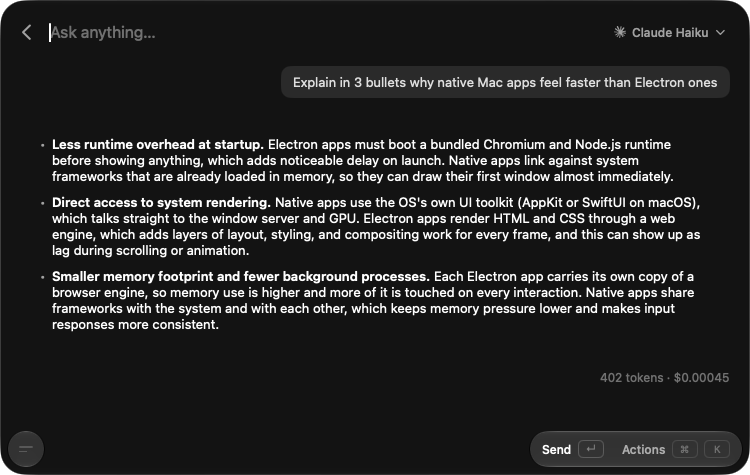
Chat in the palette, or summon a floating chat bar on its own hotkey, anywhere on screen.
- Named assistants, each with its own hotkey, tint, model and skills.
- Bring your own CLI: use installed Claude, Codex, GitHub Copilot or OpenCode as a first-class provider.
- MCP servers, remote or local, offer their tools to any chat.
- Streamed reasoning with an effort picker, plus Apple Intelligence that runs tools entirely on-device.
- Quick Actions: fix grammar, rewrite, translate or summarize the selection in any app.
- Local dictation (experimental): Parakeet and Qwen3-ASR on Core ML, typed into whatever app is in front.
Launcher
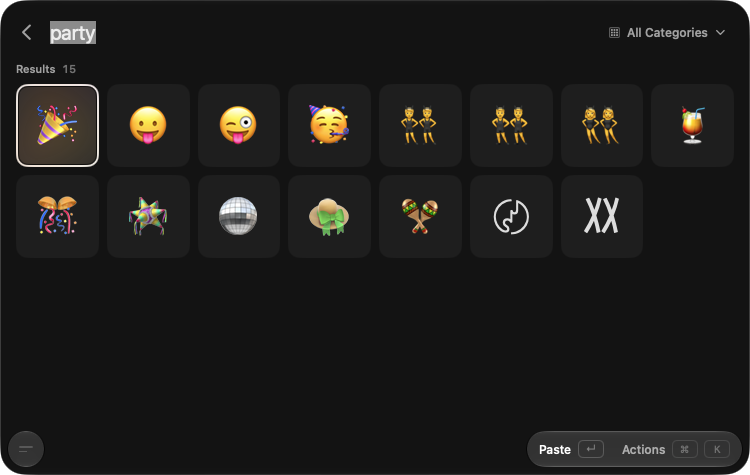
And everything a launcher should do
Quick start
Up and running in a minute
- 1Summon itSettings → General: record a shortcut. Press it anywhere, type, then press ↵. Tab jumps to AI Chat, ⌘K opens actions.
- 2Add a dockSettings → Docks: turn on Docks and add a widget or two.
- 3Wire up AISettings → AI: add a model or an installed CLI, and give the chat bar its own hotkey.
- 4Try the schedulerType "remind me to drink water in 2 hours" and press ↵.
Nothing is asked for up front. Accessibility is the main permission (paste, snippets, window management), requested the first time a feature needs it. Snippet keystrokes are matched locally, never stored and never sent anywhere.
Install
Get OneCast
Or grab a DMG from Releases. Every build is signed with a Developer ID and notarized by Apple, and OneCast updates itself in place. Needs macOS 26 or later.