OnePaper
Beautiful notes for engineers.
A Craft-style block editor for Mac, iPad and iPhone, made for code, math, experiments and whiteboards. Every page is a sheet in its own colour, and everything syncs privately through your own iCloud.
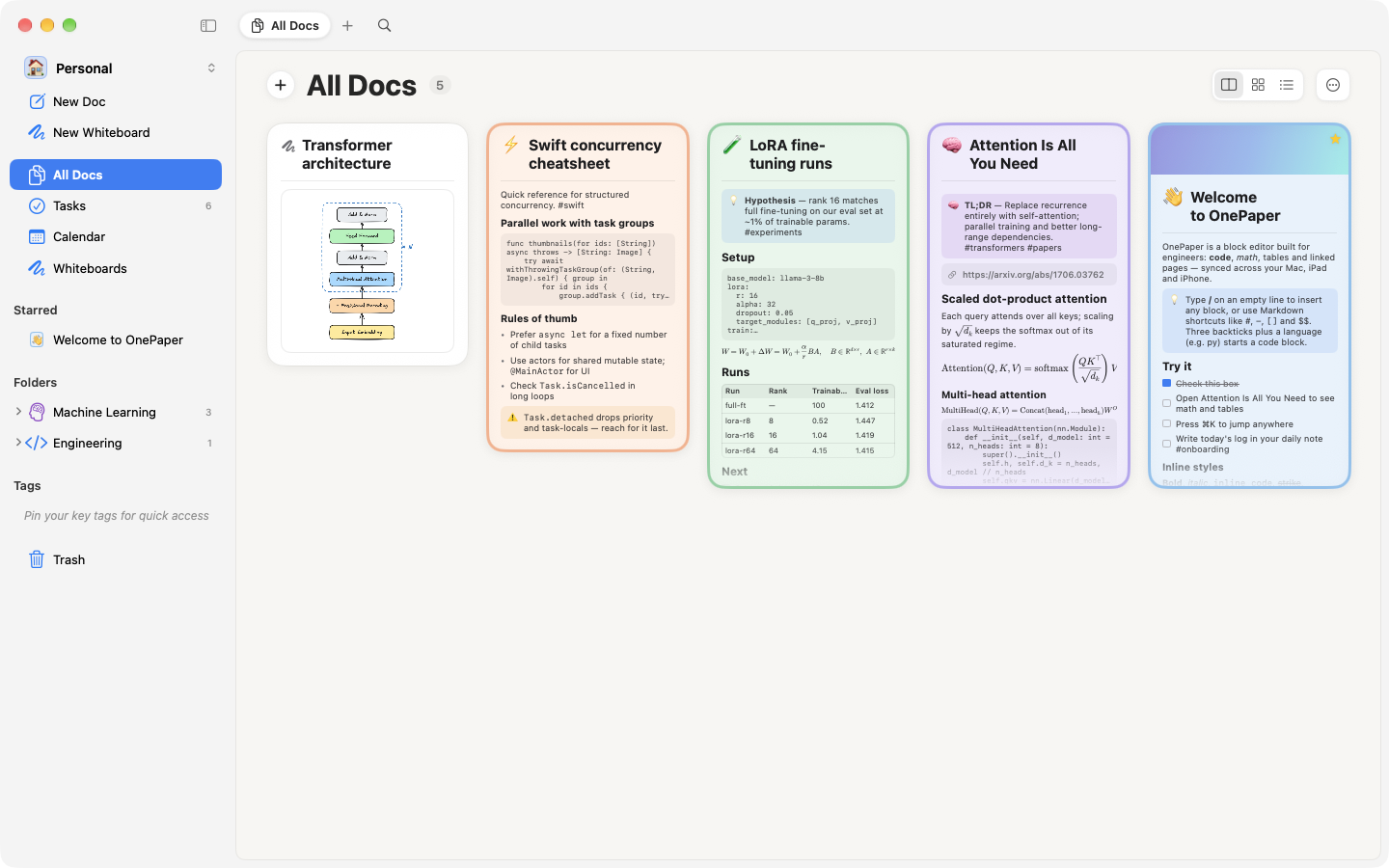
Native SwiftUI on Mac, iPad and iPhone. Your notes live on your devices and in your own iCloud; there is no OnePaper server.
Editor
A block editor that keeps up with you
Write in blocks the way you think: text, headings, lists, to-dos, toggles, quotes, callouts, images and nested pages. Type / for any of them.
- Markdown as you type: # , - , [] and ``` turn into blocks, and **bold**, `code`, ==highlight==, $math$ and #tags style inline. The markers hide when you leave the line.
- [[Page]] links with autocomplete, and backlinks at the bottom of every page.
- Paste a link as plain text, a bookmark card or an embed. YouTube, Vimeo, Loom, Spotify and Figma play right in the page.
- Nest with Tab, drag blocks to reorder, and open pages side by side in tabs.
Code & ML
Made for code, math and experiments
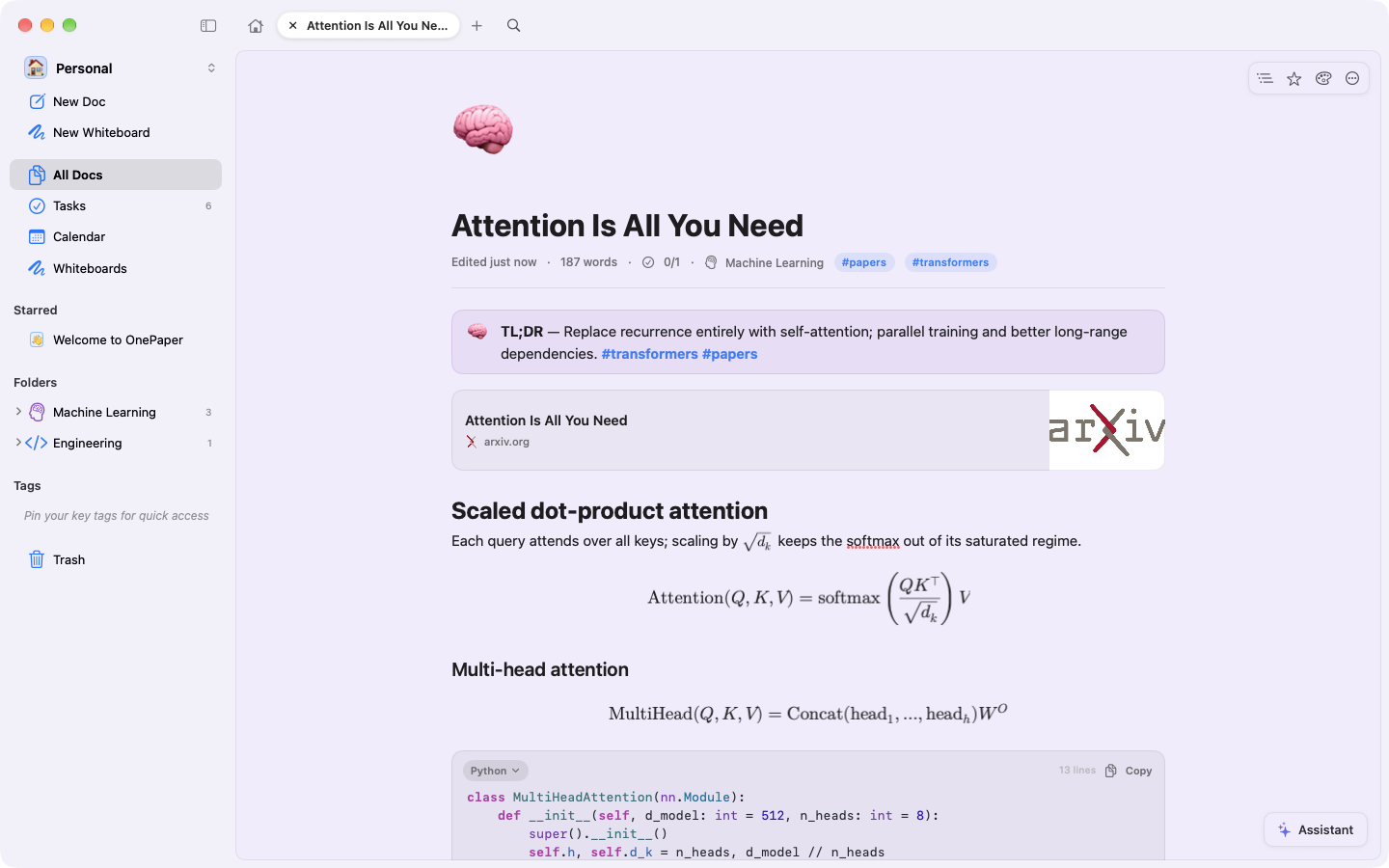
Engineering notes are full of code, formulas and results. OnePaper treats them as first-class blocks, not pasted text.
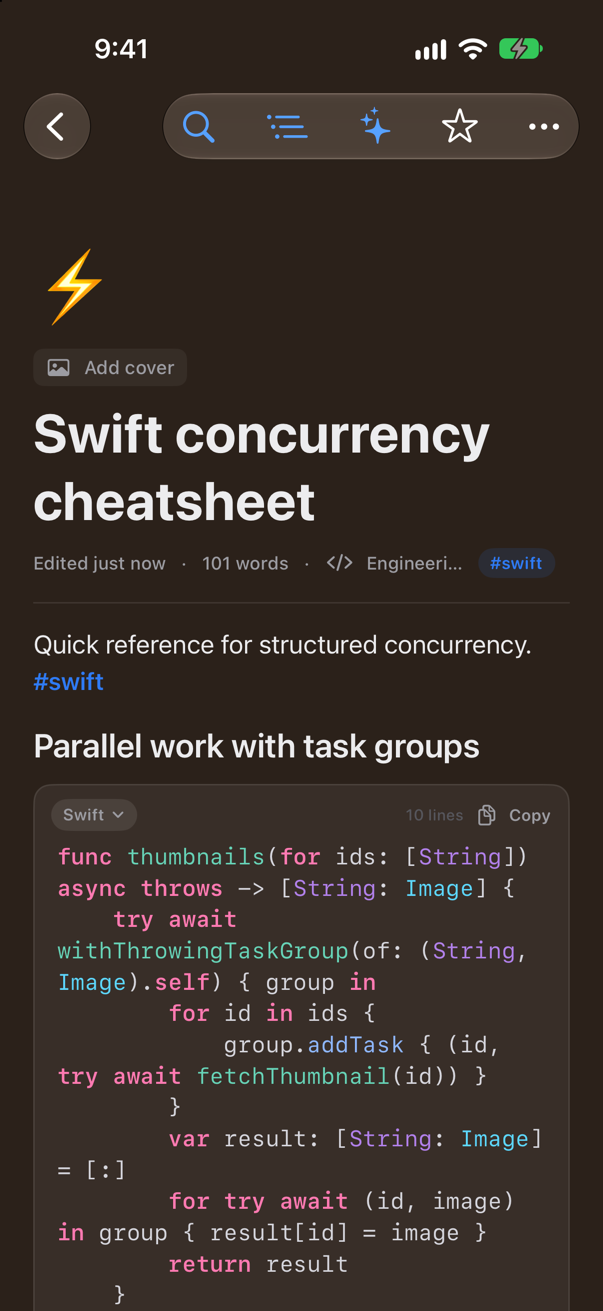
- Syntax highlighting for 20 languages, including Python, Swift, Rust, Go, C++, CUDA, SQL and YAML, with smart indent and a copy button.
- LaTeX display blocks and inline $…$ formulas, rendered natively.
- Tables for runs and benchmarks, and Collections: databases with typed properties and Table, Board, Gallery and List views.
- Templates for paper notes, experiment logs, bug investigations and design docs.
Whiteboards
Think on a whiteboard
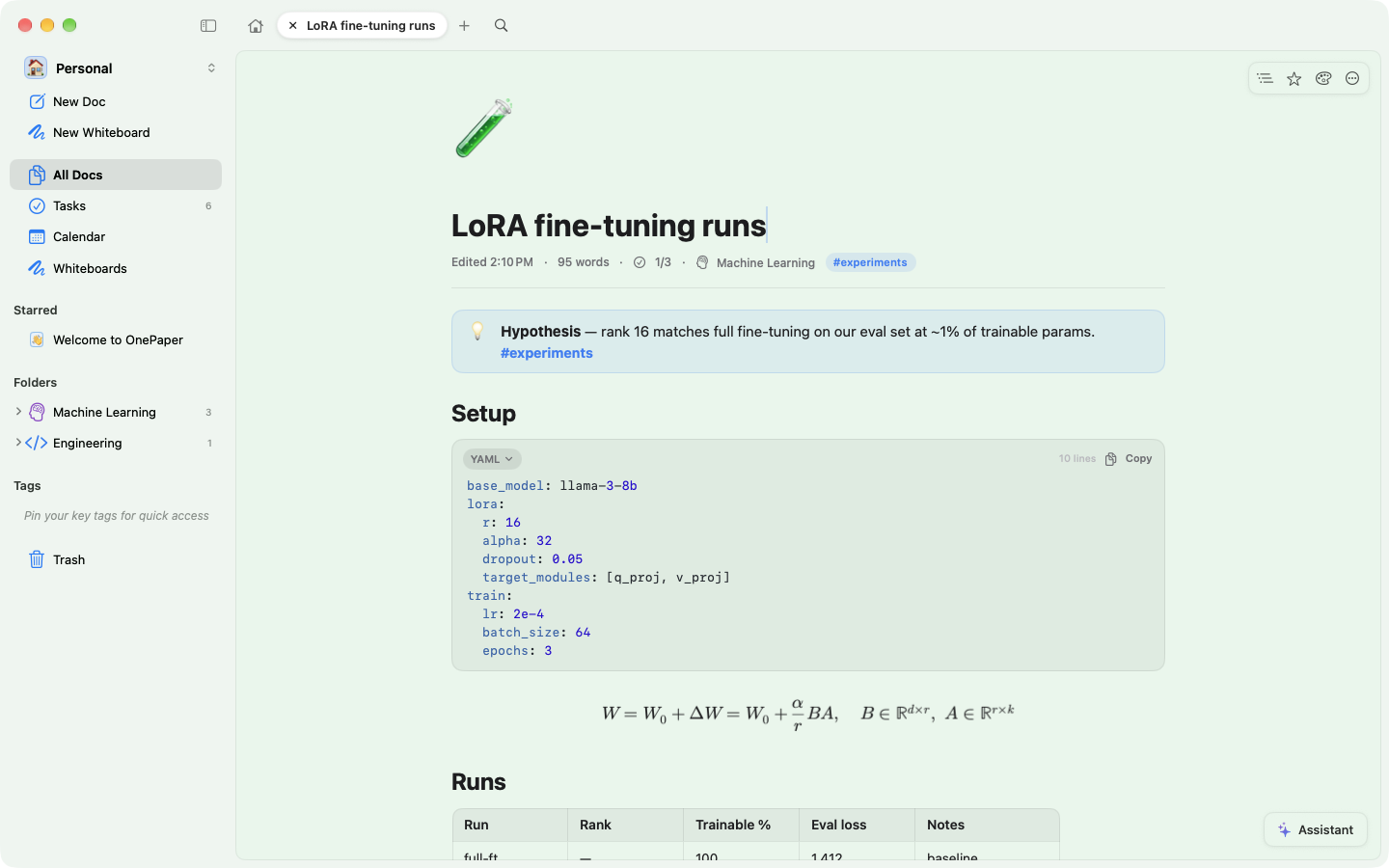
A full Excalidraw canvas, bundled and working offline. Sketch an architecture, a training loop or a state machine next to the notes that explain it.
- Shapes, arrows, freehand and Apple Pencil, with hand-drawn fonts and the Excalidraw library.
- Whiteboards are pages: they live in folders, show up in search and appear as thumbnail cards.
- Embed one in a page with /whiteboard. Export as PNG, SVG or .excalidraw.
Tasks
Tasks, wherever you wrote them
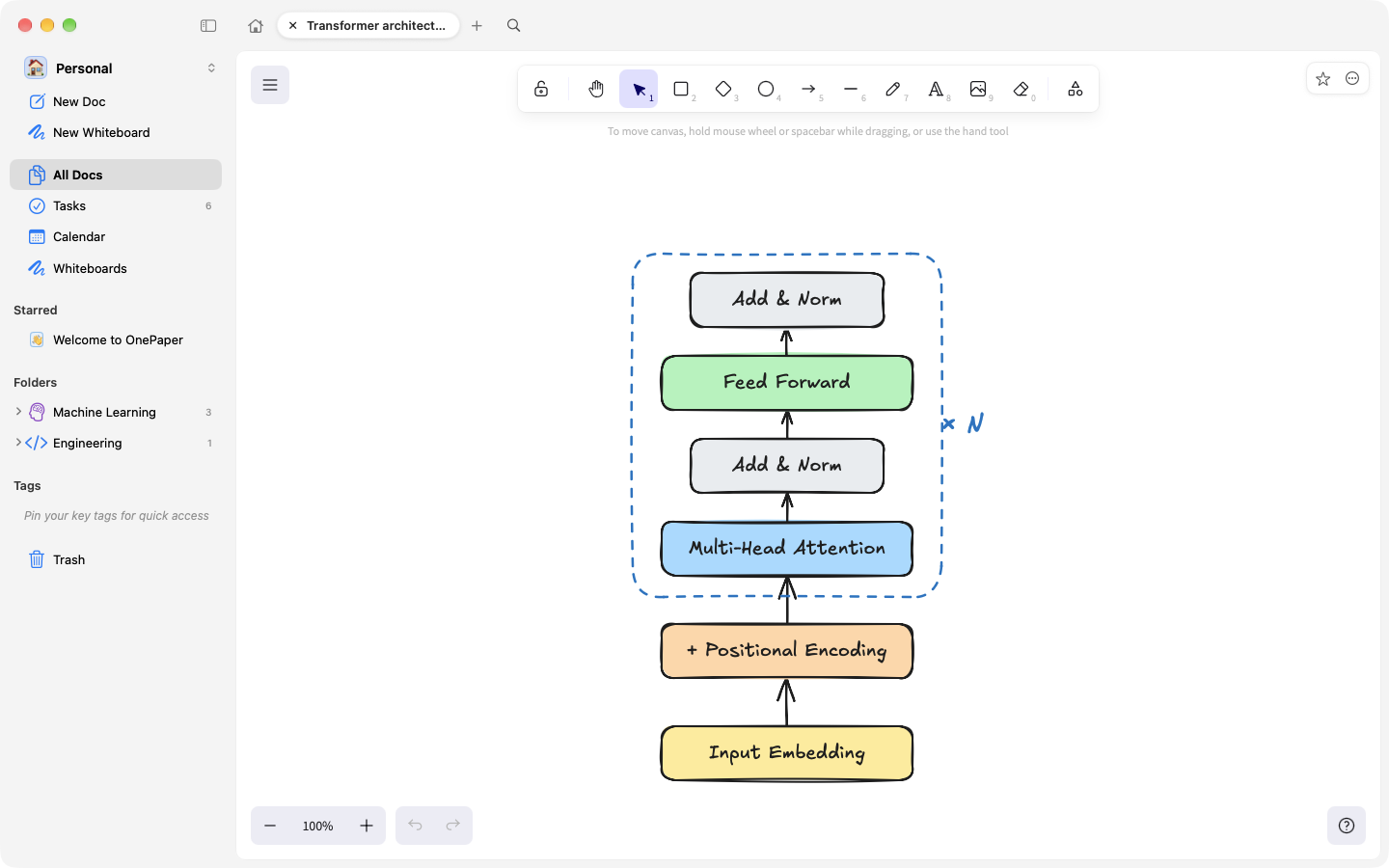
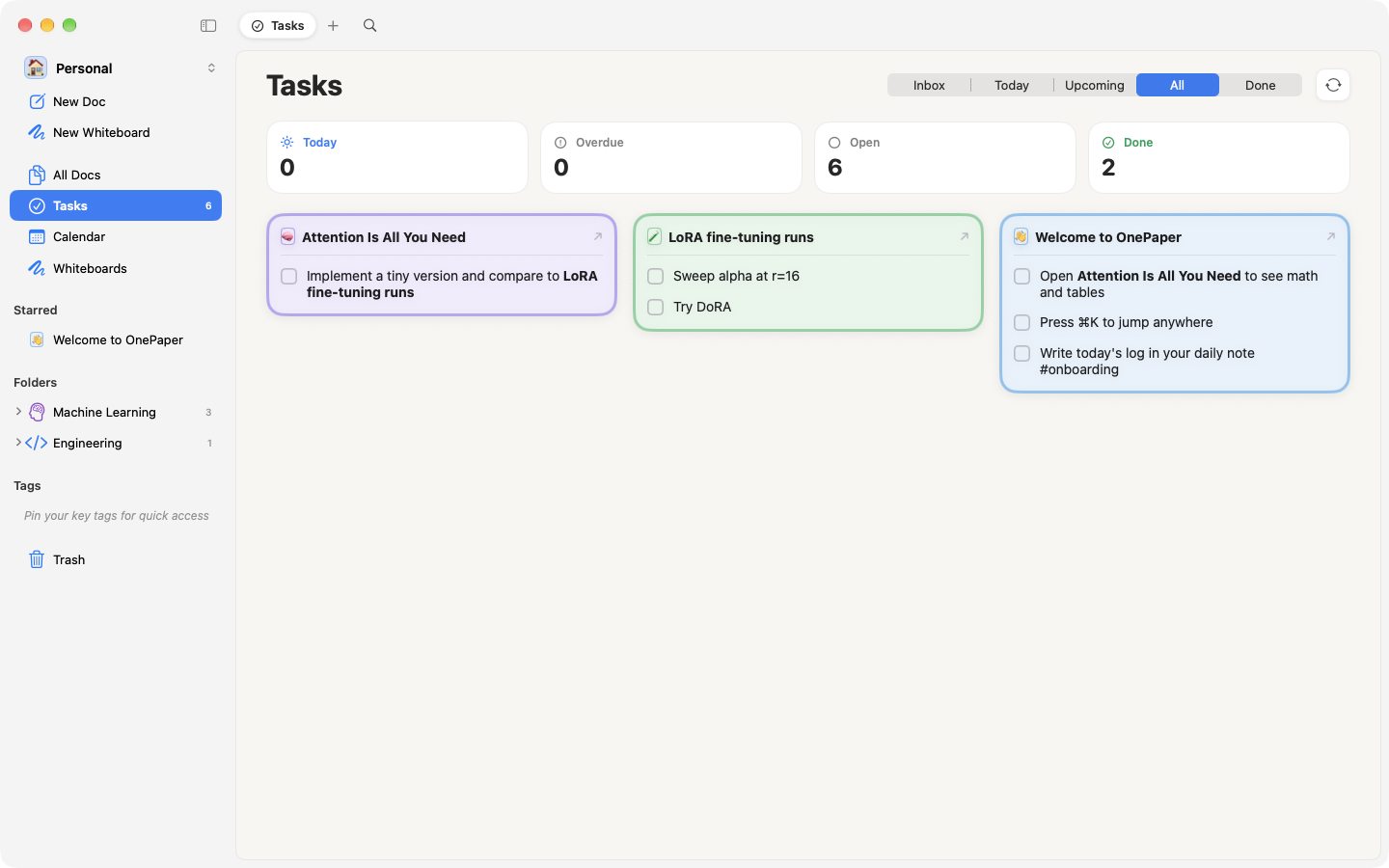
Write to-dos on any page. The Tasks view gathers all of them: Today with overdue, Upcoming by day, All by page, and a Done logbook.
- Type @ in a to-do for a date: @today, @tomorrow 9am, @next fri.
- Quick add parses dates too: "review PR tomorrow 10am".
- Sync dated to-dos to Apple Reminders (two-way) or Todoist, or send one to Things 3.
Design
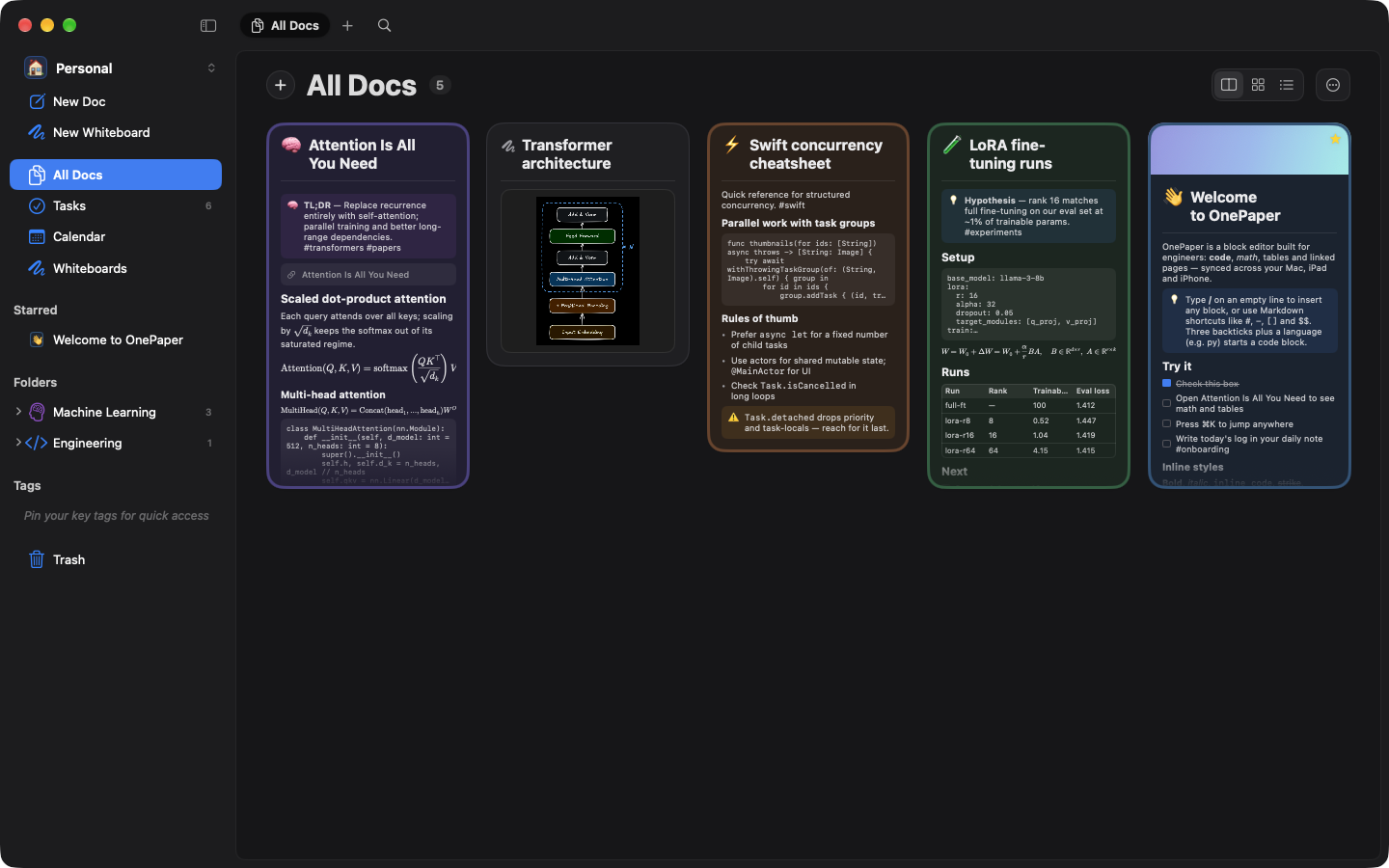
Every page in its own colour
Thirteen page colours, from Paper and Mint to Notebook dot grid, Blueprint, Midnight and Terminal. Choose Sans, Serif, Rounded or Mono, add a cover, and pick from nine accent colours. Light, dark or follow the system.
iPhone & iPad
The same notes everywhere
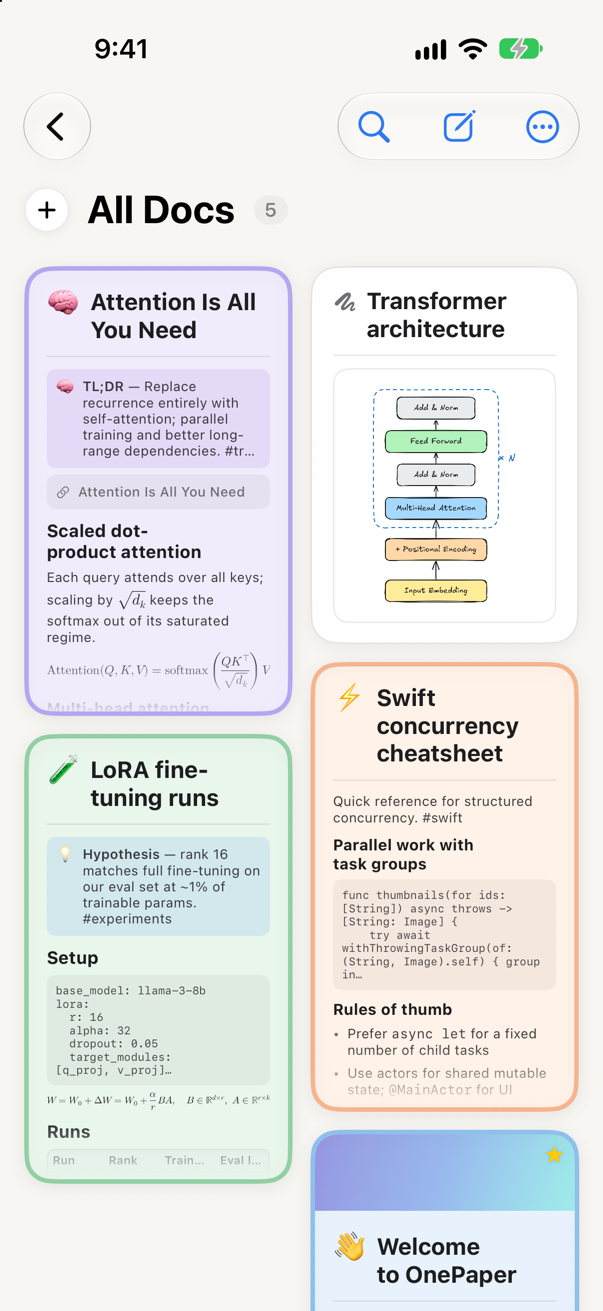
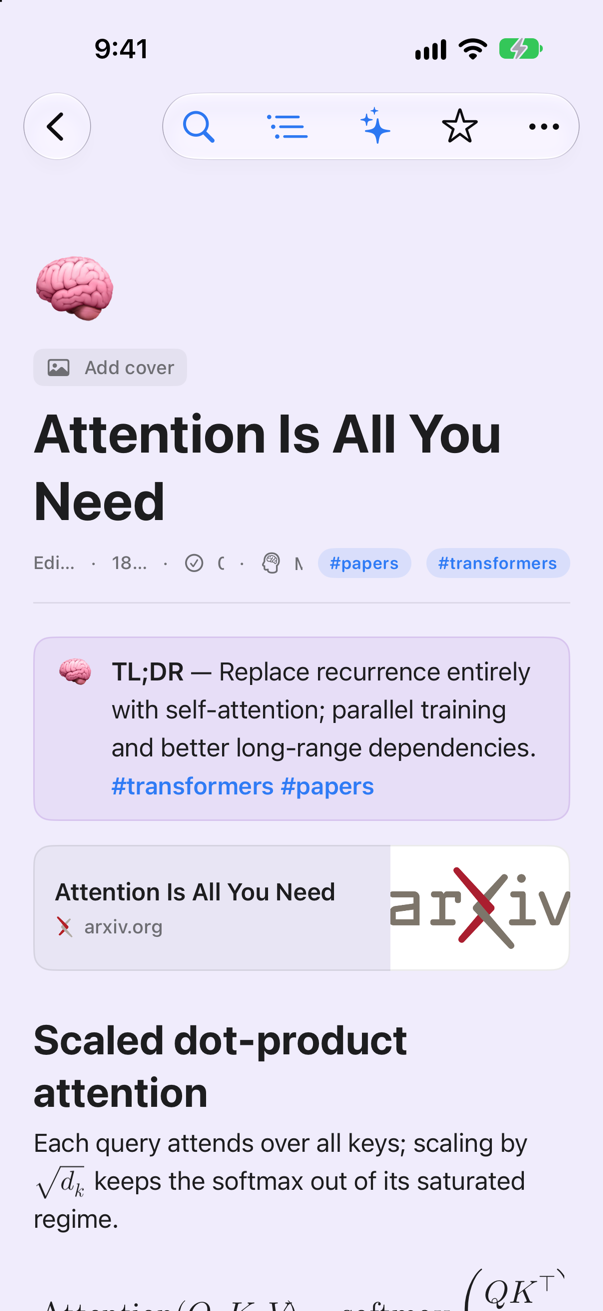
Pages, whiteboards and tasks sync through your own iCloud account, so your Mac, iPad and iPhone always show the same library. Nothing goes through a server of mine.
Details
And everything else
Quick start
Your first page in a minute
- 1InstallDownload the DMG, drag OnePaper to Applications, and open it.
- 2WritePress ⌘N for a new doc, then type / to pick any block.
- 3LinkType [[ to link another page. Backlinks appear on the other side.
- 4PlanType @tomorrow in a to-do, then open Tasks to see it scheduled.
Your notes stay on your devices and in your own iCloud account. AI features talk to Claude only when you use them, with your own API key or Claude plan.
Install
Get OnePaper
Download for MacDMGSigned with a Developer ID and notarized by Apple, and OnePaper updates itself in place. On iPhone and iPad (iOS 26 or later) it is in beta on TestFlight.